# TileMapTool
A single-file, [no-dependency](http://vanilla-js.com/), offline-capable tool for exploring, annotating & exporting tilemaps.
## Running
### Locally
[Download `index.html`](https://raw.githubusercontent.com/rpj/tmt/main/index.html) and open it. That's it.
### Online
At [GitHub Pages](https://rpj.github.io/tmt/), [itch.io](https://rpjsf.itch.io/tmt/) or [computerpho.be](https://tmt.computerpho.be/).
## Usage
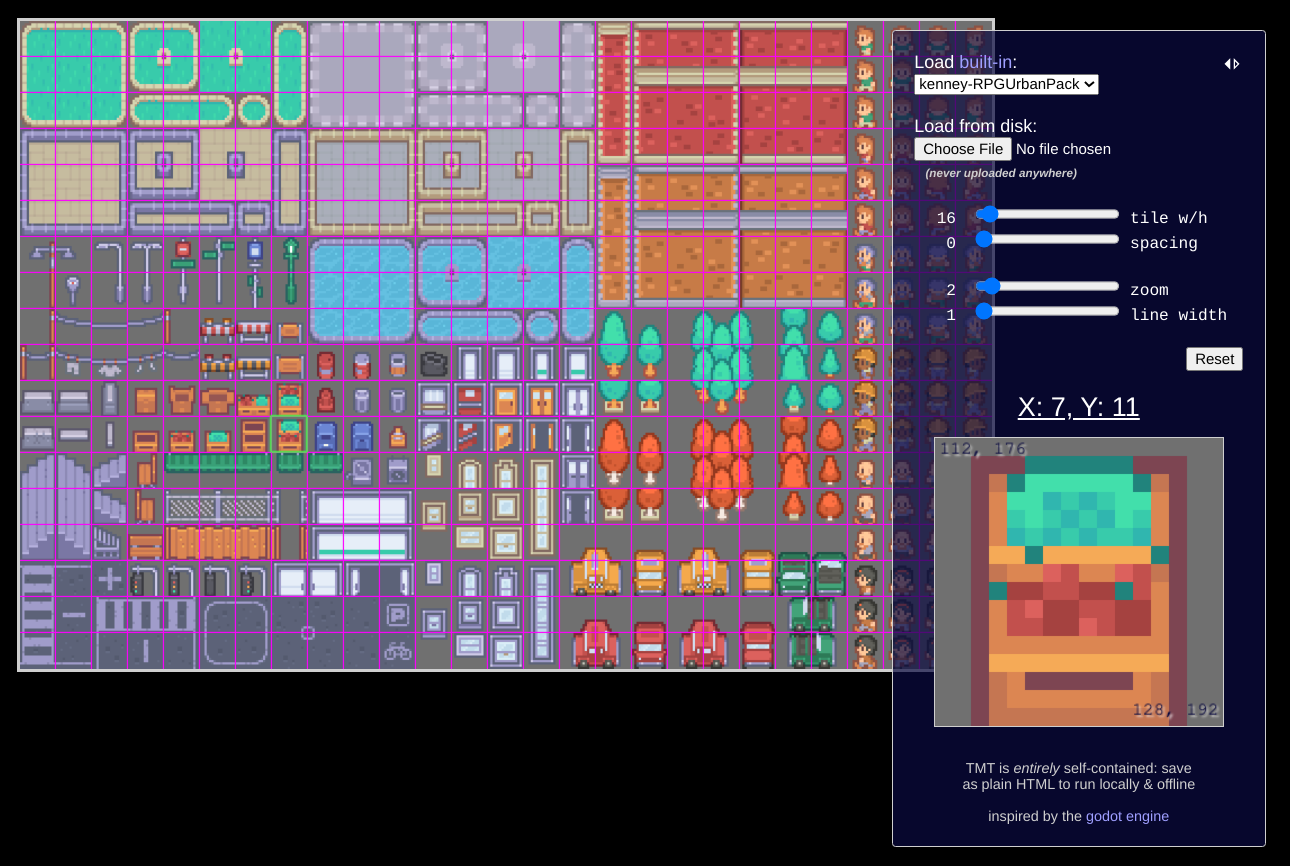
Explore the default map or load another: built-in maps will automatically set the correct parameters. If loading from disk, proceed to set the appropriate "tile w/h" (width/height) and "spacing" parameters via the controls; all control changes are reflected on the tilemap live. The control value label is double-clickable to allow arbitrary input (caveat emptor!).
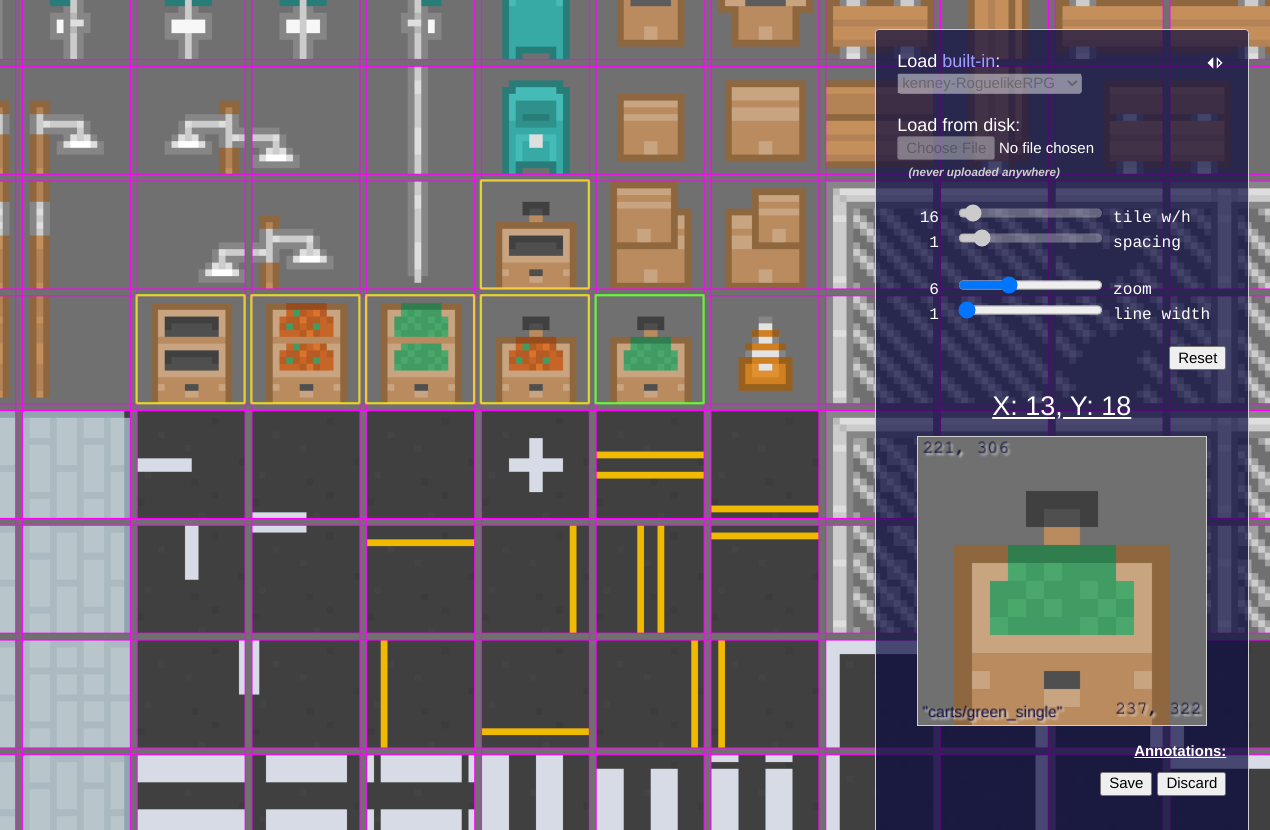
Click on any tile to select & have it displayed in the larger "selected" view, which shows the tile's X & Y coordinates (in tile coordinate space) as well as the top-left and bottom-right coordinates of the tile in the source image coordinate space. The selection can also be moved with the arrow keys.
Right-click any tile to annotate it with a group & name. Once annotation mode has been entered - implicitly by creating the first annotation group - tilemap loading & parameter controls will be locked (though viewport controls will remain available).
In annotation mode, additional controls will become available beneath the selected view:
- "Save JSON": Creates & downloads a JSON file describing the annotated tiles and their positions on the currently-loaded tilemap in both tile-coordinate & pixel-coordinate spaces.
- "Export New": Creates a new PNG image containing only the annotated tiles as well as a JSON file with the appropriate annotation metadata in the same shape as "Save JSON" above. This option will initiate multiple downloads, which your browser may require you explicitly allow.
- "Discard": Immediately discards all current annotations and returns to the default mode, re-enabling tilemap loading & parameter controls.
## Screenshots